
Click Installation
See below downloadable PDFs for installing and adjusting our Click in-surface power modules:
Step-by-step installation instructions
Before you start: ensure the cutout in the table is the correct size for the module.
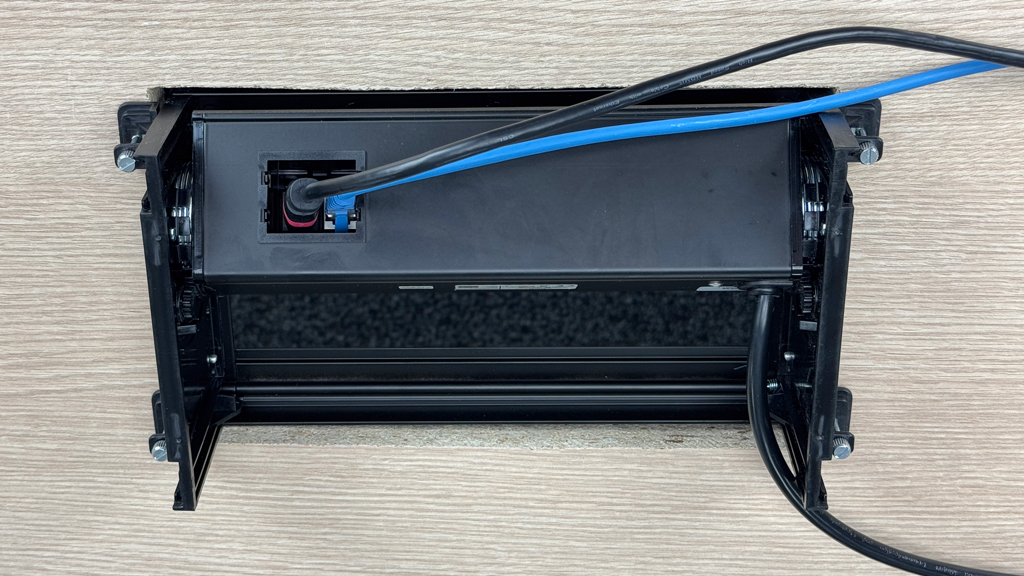
1. Carefully drop the Click module into the cutout hole.
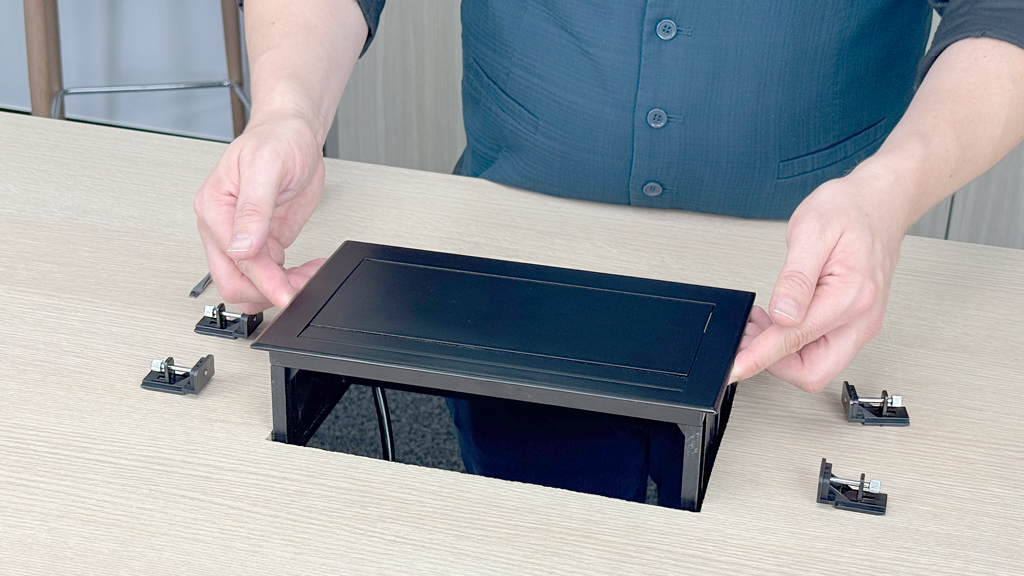
2. Underneath the table, push the 4 securing clamps up the tracks into place.
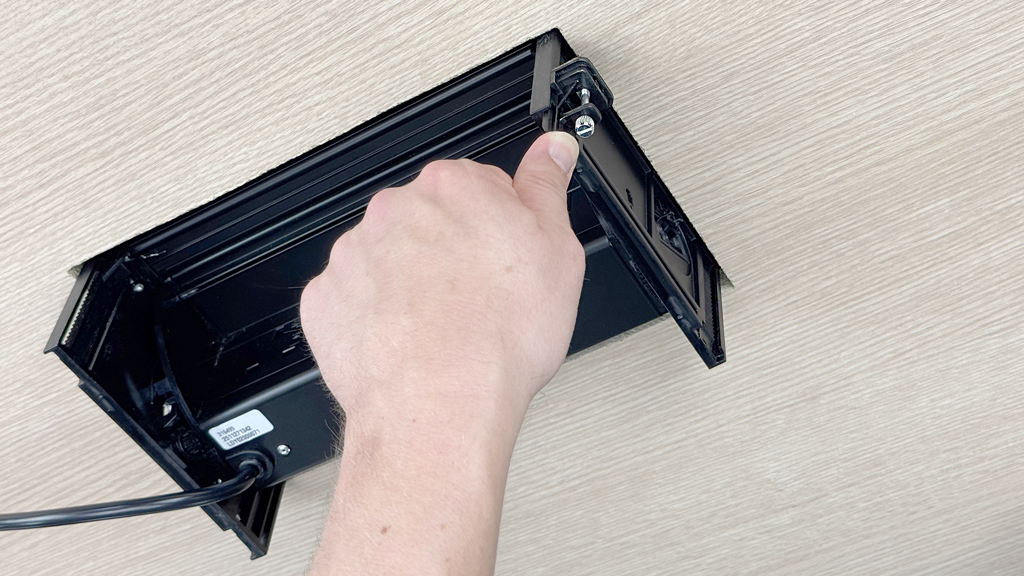
3. Tighten the 4 bolts inside the clamps with a flat head screwdriver to hold the module firmly in place.
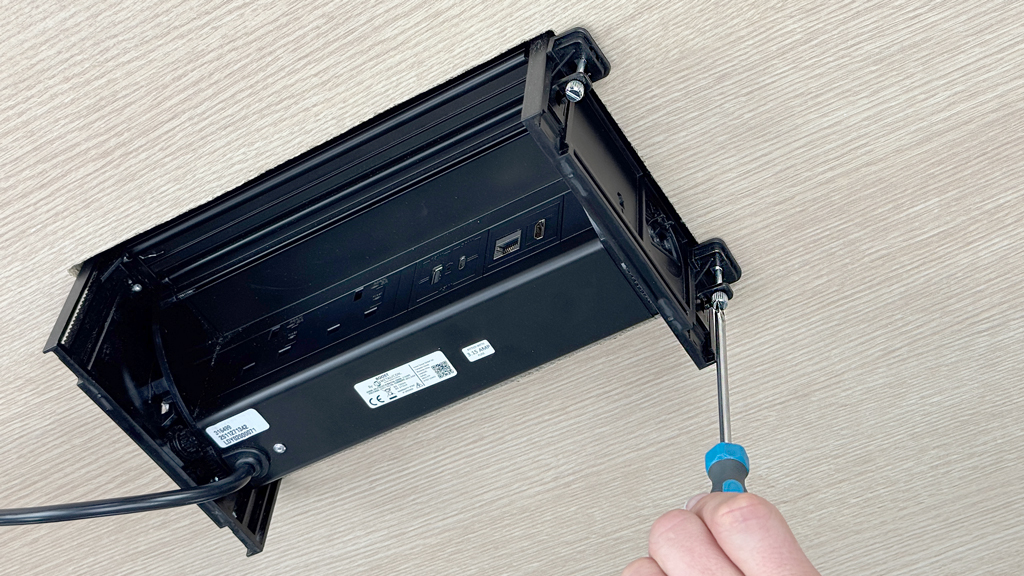
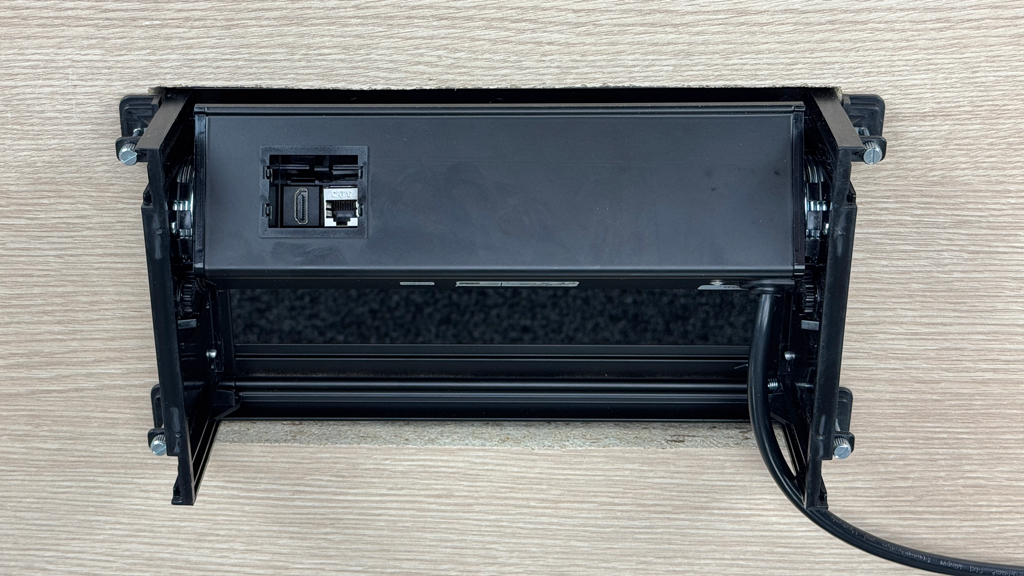
4. Connect the 3-pole power cable and (if applicable) Cat6 and HDMI cables.
If you require any additional help with any Metalicon products please contact our Support Team:
Telephone: +44 (0)1502 533 444
Email: support@metalicon.com