

Understand how USB fast charging works and how the latest USB technology can significantly reduce device charging time.
What is USB?
USB (Universal Serial Bus) was introduced in 1995 and quickly became one of the most popular connectors in use on desktop and laptop PCs. Whether connecting a mouse or keyboard, charging your mobile phone or tablet, or plugging in external hard drives, printers or cameras, USB is widely used. USB has undergone several transformations since its launch with each new development increasing data transfer speed and offering additional functionality.
| Version | Name | Release | Transmission Rate |
|---|---|---|---|
| USB 1.1 | Full Speed USB | 1998 | 12 Mbps |
| USB 2.0 | High Speed USB | 2000 | 480 Mbps |
| USB 3.0 | SuperSpeed USB | 2008 | 5 Gbps |
| USB 3.1 | SuperSpeed+ | 2013 | 10 Gbps |
Not all USB ports are the same. There is one standard but many different connectors including USB Type-A, USB Type-B, USB Micro-A, USB Micro-B and USB Type-C.
How does USB charging work?
In a traditional USB network, there is one host and one device. The PC is normally the host, and your smartphone, tablet, or camera is the device. Power always flows from the host to the device, although data can flow in either direction. Inside a USB cable there are 4 wires and the USB socket contains 4 pins. The 2 outside pins transfer the power supply while the 2 inside pins transfer data.
All kinds of devices can be charged through USB including smartphones, tablets (including Kindle® and other reading devices), digital cameras, portable bluetooth speakers, wireless headphones, wearable technology like smart watches, fitness devices and wristbands, or battery power banks.
Technically, if a charging current is greater than 9 watts (5V x 1.8A), it can be classed as fast charging.
Read more about USB Charging at Electrical Safety First.
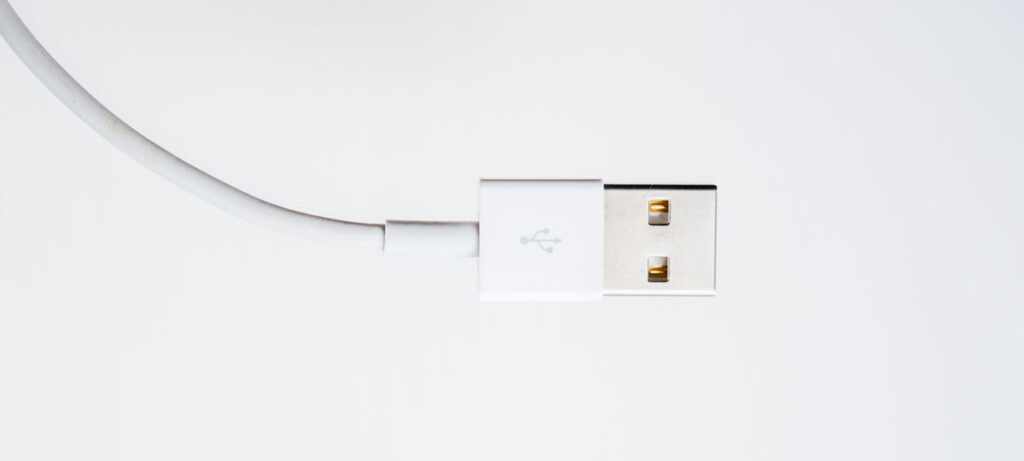
USB-A
Type-A or USB-A is the most common USB connector, found on many cables data cables. Types 1, 2 & 3 are all compatible with one another. It was designed for connecting peripheral equipment like keyboards and mice but more recently has been adopted as a connector for charging mobile phones and tablets.
Traditionally USB-A was limited to 12 watts (5 volts, 2.4 amps) of power. Now with Qualcomm® Quick Charge™ technology USB-A can deliver power up to 18 watts.
How does Quick Charge™ work?
Quick Charge™ 3.0 uses Intelligent Negotiation for Optimum Voltage (INOV), an algorithm which enables your device to decide which power level to use at any time, ensuring optimum power transfer and maximising efficiency. Quick Charge™ 3.0 also supports more voltage options, allowing the device to dynamically adjust to the ideal voltage level supported and offers a range of voltages from 3.6V to 20V. This way your device can target one of dozens of power levels while charging. Version 3.0 is backward-compatible with Quick Charge™ 1.0 and Quick Charge™ 2.0 devices. For Quick Charge™ to work both the host providing power and the device must support it.

USB-C
The newest version of USB connector is Type-C or USB-C. The slim, smaller connector has been designed as power and data connector for virtually all devices, including mobile phones and tablets and more recently laptops too. It is being adopted by all major manufacturers including Apple, HTC, Samsung, Nokia, Windows, Sony, HP and Google. Unlike Type-A the USB-C connector plug is reversible making it simpler and easier to use and for some devices replacing the need for other previous data connections like VGA and HDMI (display) and also RJ45 (network). This ensures compatibility now and in the future.
Most importantly the USB-C connection provides superior performance, enabling charging up to 20 times faster than USB-A. Traditionally the maximum USB-C charging rate is around 15 watts, but with USB Power Delivery, can provide 100 watts and more.
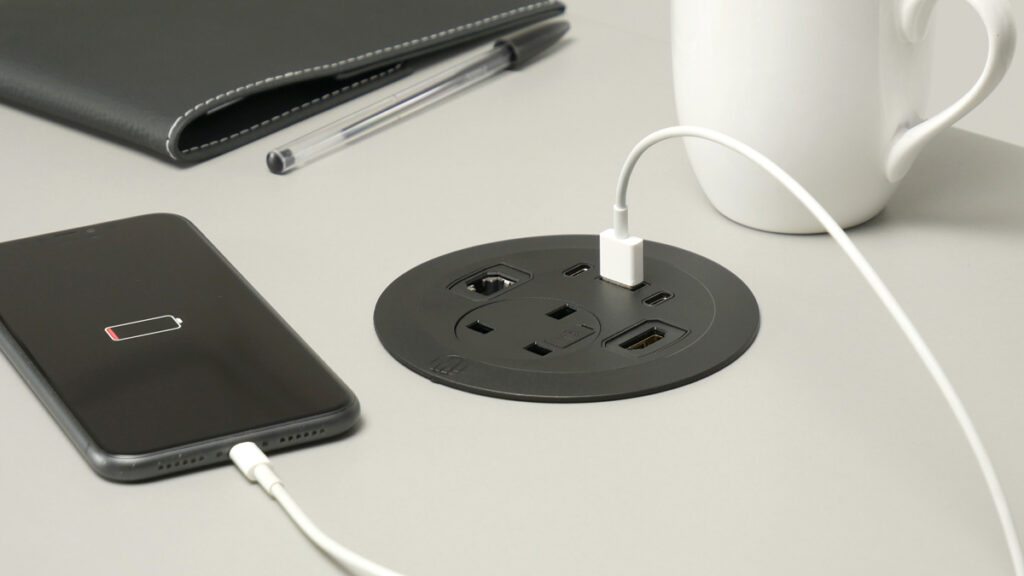
USB Power Delivery
USB Power Delivery is a standard protocol which can be implemented over any USB connection. Traditionally each device charged through USB would require its own individual charging adapter but Power Delivery is able to power a wide range of different devices. Another benefit of Power Delivery is that power can travel in both directions, you can now power your hard drive from your smart phone!
| Device | Cable | Charging time (up to 50%) | Charger rated power |
| iPhone 14 Pro | Lightning/USB-C | 30 mins | 18W or higher |
| iPhone 14 Pro Max | Lightning/USB-C | 30 mins | 18W or higher |
| iPad Pro | Lightning/USB-C | 60 mins | 27W or higher |
| Google Pixel 6 | USB-C | 37 mins | 18W or higher |
| Google Pixel 6 Pro | USB-C | 37 mins | 18W or higher |
| Samsung S20+ | USB-C | 26 mins | 25W or higher |
| Samsung Note 20 | USB-C | 31 mins | 25W or higher |
Generally Power Delivery can support voltages as high as 20V, and charging up to 100 watts. The latest USB Power Delivery specification will enable up to 240 watts of power over USB Type-C. This extra power is not required by most smart phones, however many other devices including laptops will be able to take advantage. Power Delivery requires a PD enabled device.
| Device | Required Power |
| Tablet | 18-30W |
| Smartphone | 18-45W |
| Power Bank | 18-25W |
| Laptop | 29-100W |
Understanding electrical power supply
Amps measure the flow of electricity as an electric current. If you think of electric current like the flow of water through a hosepipe, the more water flowing through the pipe, the stronger the current is.
Volts measure how much force is required for the electric current to flow. You could think of volts as the water pressure in the hosepipe, which makes the water flow.
Watts = Amps x Volts
Watts are used to measure the amount of energy being produced. The higher the wattage, the greater the power and output. With a hosepipe Amps would refer to the amount of water being released.
See below for the power output of each of our fast charging modules:
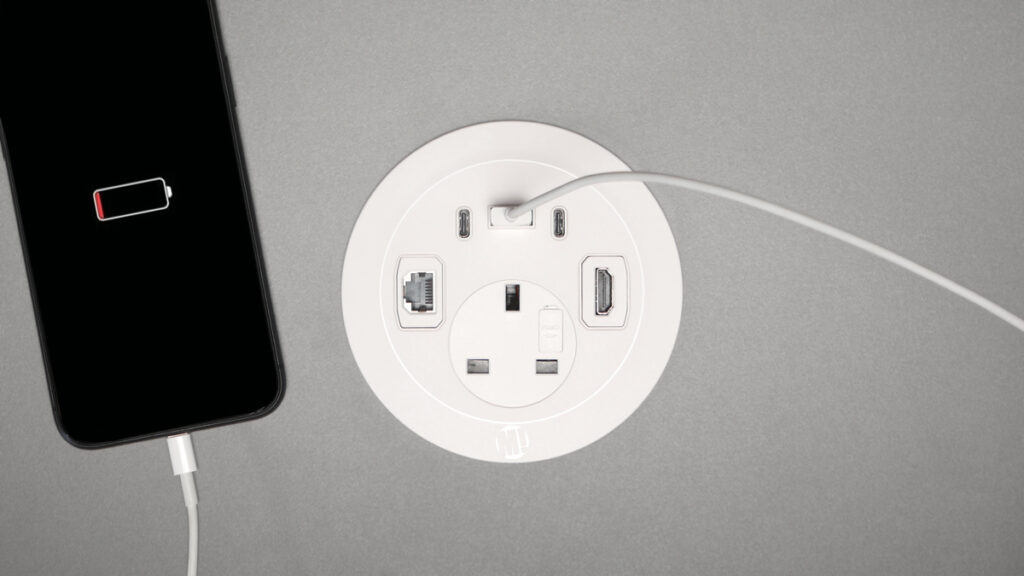
Solo Plus In-Surface Module
1 x USB-A Quick Charge 3.0 + 2 x USB-C Power Delivery 3.0
The USB-C outlets are not identical. When in use at the same time as each other, or with Type-A port the right-hand port (C1) will produce greater power than the left-hand port (C2).
| USB Type | Rating | Max. Watts |
| C1 or C2 | 5V x 3.1A 9V x 3A 12V x 3A 15V x 3A 20V x 2.25A | Max. 45W |
| A | 5V x 3.1A 9V x 2A 12V x 1.5A | Max. 18W |
| C1 + C2 | C1: 5V x 3.1A 9V x 3A 12V x 2.5A 15V x 2A 20V x 1.5A | Max. 30W |
| C2: 5V x 3.1A | Max. 15.5W | |
| C2 + A | 5V x 3.1A | Max. 15.5W |
| C1 + A | C1: 5V x 3.1A 9V x 3A 12V x 2.5A 15V x 2A 20V x 1.5A | Max. 30W |
| A: 5V x 3.1A | Max. 15.5W | |
| C1 + C2 + A | C1: 5V x 3.1A 9V x 3A 12V x 2.5A 15V x 2A 20V x 1.5A | Max. 30W |
| C2+A: 5V x 3.1A | Max. 15.5W |
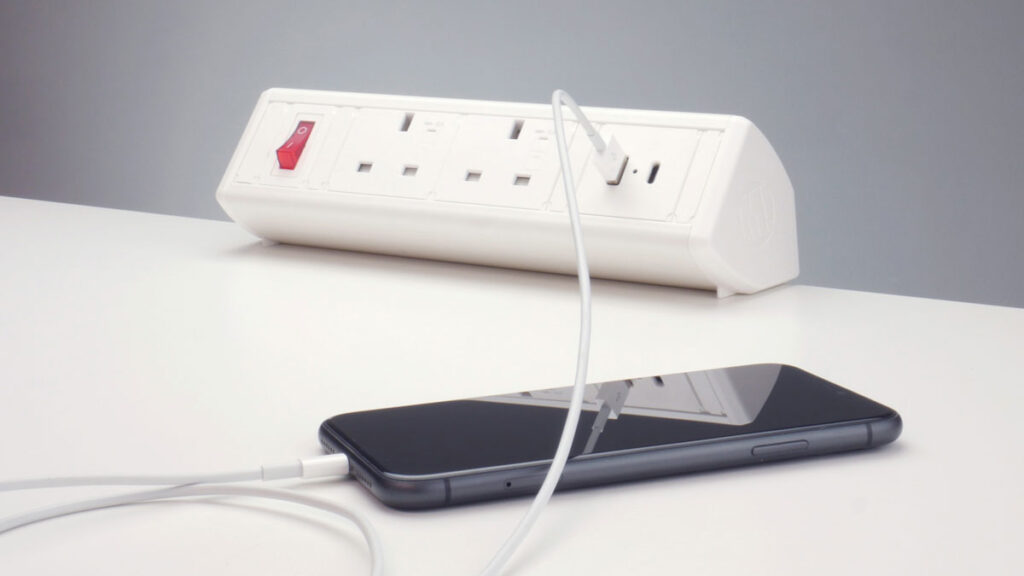
Boost Desktop Modules
1 x USB-A + 1 x USB-C
| USB Type | Rating | Max. Watts |
| A | 5V x 3.1A | Max. 15.5W |
| C | 5V x 3.1A | Max. 15.5W |
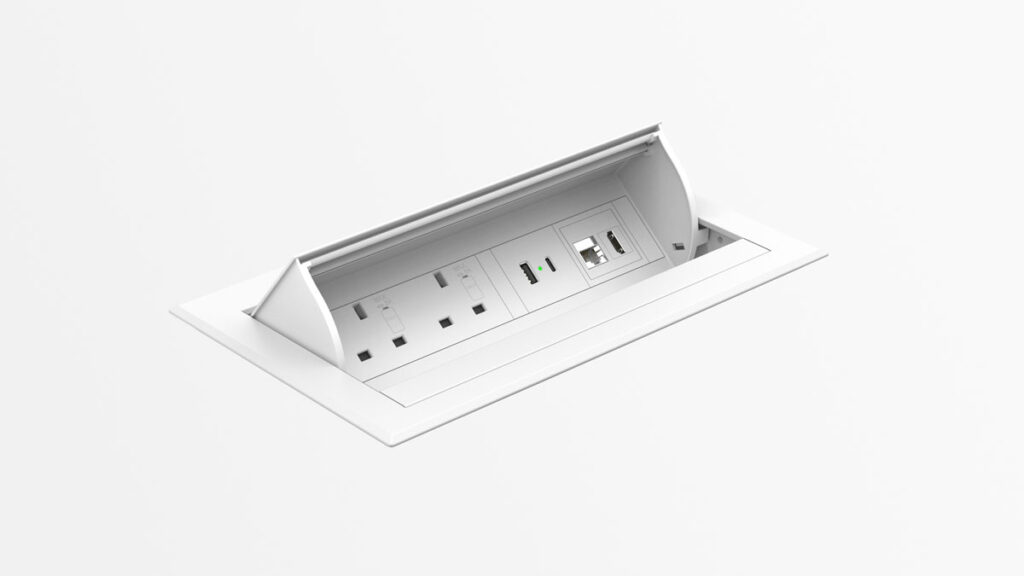
Click In-Surface Module
1 x USB-A + 1 x USB-C
| USB Type | Rating | Max. Watts |
| A | 5V x 3.1A | Max. 15.5W |
| C | 5V x 3.1A | Max. 15.5W |